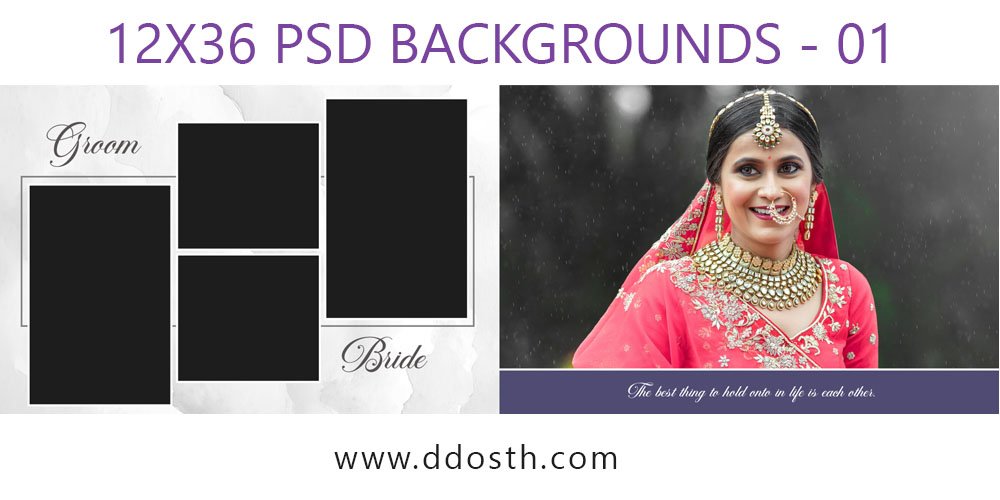
A wedding is not merely the union of two individuals; it is a beautiful confluence of families, relationships, joy, and countless memories. A magnificent wedding album is essential to cherish these memories forever. In today’s digital era, the 12×36 wedding album PSD format has become immensely popular among designers.
The 12×36 wedding album PSD is highly useful for those who wish to give wedding photographs a modern, captivating, and professional look. With the help of PSD files, designers can easily customize photos, text, colors, backgrounds, and other design elements according to their specific requirements.
What is a 12×36 Wedding Album PSD?
12×36 is a popular album size where two pages combine to form a large, stunning spread (a view spanning two adjacent pages). Its wide layout is perfect for beautifully showcasing large wedding shots, couple portraits, family photos, and special moments.
Files designed in the PSD (Photoshop Document) format can be easily edited using software like Adobe Photoshop. They typically feature separate layers for photos and design elements, allowing designers to make necessary adjustments without having to create the entire design from scratch.
What’s New in 2026 Wedding Album Designs?
Wedding album design trends for 2026 are shifting towards clean, elegant, and fully personalized styles. Instead of cluttering pages with excessive design elements, there is a growing preference for layouts where the photographs themselves remain the main attraction.
Design styles featuring soft pastel colors, minimalist floral motifs, golden accents, cinematic photo placement, and clean typography look incredibly appealing. For Indian weddings, a blend of traditional patterns and modern layouts also serves as an excellent choice. Why is a 12×36 PSD template useful?
A high-quality PSD template can significantly reduce the time required for design. Creating every album page from scratch can be a time-consuming task for a designer. Since ready-made PSD templates come with a pre-set base layout, the designer primarily needs to swap in the necessary photos and text.
Additionally, the layers within a PSD file allow for easy customization of the design; for instance, repositioning photos, changing background colors, or removing specific design elements becomes quite simple.
Screenshots of New 2026 Wedding Album 12×36 PSD Backgrounds
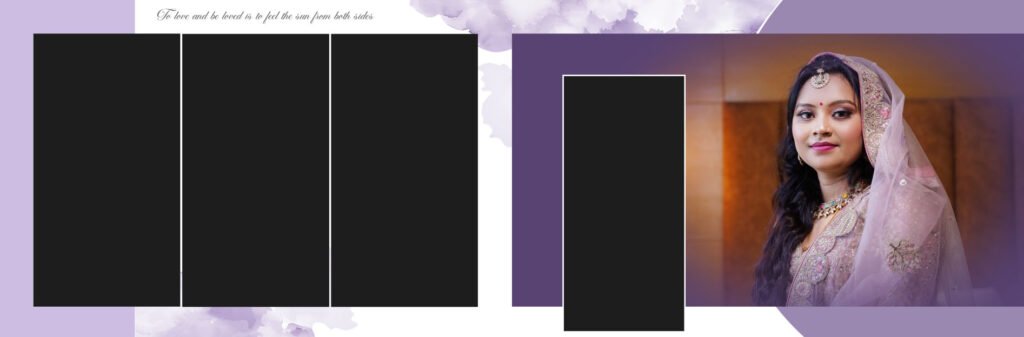
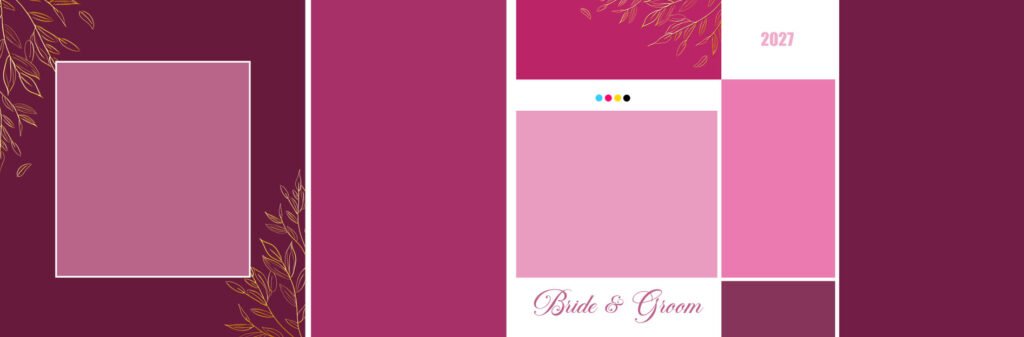

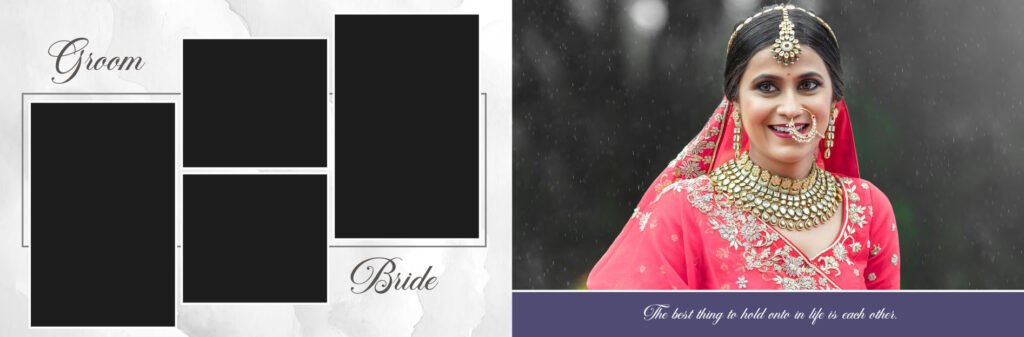
Pay Special Attention to Photo Selection
A great PSD template alone doesn’t make a stunning album; the choice of photos used within it is equally important. Cramming too many photos onto a single page can make the design look cluttered and disorganized.
For better results, you can take a single main photo the focal point of each spread (two facing pages) and complement it with a few smaller images. Giving ample space to close-ups of the couple, candid shots, and emotional moments makes the album more impactful.
Choosing the Right Colors
The color scheme in a wedding album can transform the mood of the entire design. Colors like red, maroon, and gold are excellent choices for traditional Indian weddings, while shades like pastel pink, peach, cream, beige, and white offer a modern, elegant look.
For 2026, pairing neutral backgrounds with gold or light-colored design elements can lend a premium feel to the album. However, it is always best to select colors based on the photos and the wedding theme itself.
Typography Matters Too
Even though an album design may contain minimal text, it plays a crucial role. When including the couple’s names, the wedding date, short quotes, or the names of rituals, choose a font style that is not only beautiful but also easy to read.
How to Easily Customize and Edit Wedding Album PSD Files
These wedding album PSD pages are designed for Adobe Photoshop users. You can easily edit photo frames, text, color tones, backgrounds, and other design elements to suit your specific project needs. If you use Photoshop Actions or other photo editing resources, you can also perform color correction and retouching to your liking before inserting photos into the album.
First, download the PSD file using the provided download button. If your PSD template comes in a ZIP or RAR archive, simply extract the files using WinRAR. Once extracted, open the PSD file in Adobe Photoshop and start customizing your wedding album design. Locate the photo layers, clipping masks, or Smart Object placeholders within the file and replace them with your client’s wedding photos. You can then customize the text, colors, backgrounds, shadows, and other design elements as required.
Once editing is complete, save your design in Photoshop. For album printing, the final design can be exported in JPG, PNG, or other print-ready formats. By easily customizing these PSD templates to your preference, you can create professional and attractive wedding album designs.

Frequently Asked Questions
1. What is a 12×36 wedding album PSD?
A 12×36 wedding album PSD is a Photoshop-based wedding album template designed for a wide 12×36-inch spread. It gives designers a ready-made layout where they can add wedding photos, names, dates, backgrounds, and other design elements without starting every page from scratch.
2. Why is the 12×36 album size so popular?
The 12×36 format gives you a wide canvas, which is especially useful for wedding photography. You can create beautiful couple portraits, family group photos, candid moments, and cinematic-style spreads while still keeping the overall design clean and attractive.
3. Can I edit a 12×36 wedding PSD in Photoshop?
Yes. PSD files are specifically made for editing in Adobe Photoshop. Depending on the template, you can change photos, text, colors, backgrounds, shadows, and other design elements. Most layered templates make these changes much easier.
4. Are these wedding album PSD templates suitable for Indian weddings?
Definitely. A 12×36 layout works very well for Indian wedding photography because it gives enough space for different events and rituals. You can use traditional colors, floral decorations, mandala patterns, gold elements, or modern minimalist designs depending on the wedding theme.
5. Can I replace the sample photos with my client’s photos?
Yes. This is one of the main advantages of using a PSD template. Simply locate the photo layer, clipping mask, or Smart Object provided in the template and replace the sample image with your client’s photograph. You can then adjust the positioning and cropping as needed.